Designing an AI co-creator that feels natural, not random.
Most AI tools give you a single text box and leave you guessing. For Womp Spark, I designed a conversational assistant that lets creators guide 3D shapes step-by-step with real-time controls.
Introduced conversational AI into a 3D creation workflow so creators can iterate and refine shapes naturally.
Product Designer
3 Months
Concept to shipped loop
Womp Core Team
AI Eng, graphics team & founders
I worked on and shipped the conversational AI and generation workflow: the Spark entry point, prompt interaction, support-chat experience, image/3D generation flow, conversational refinement, model strategy, usage/credit behavior, and the experience for bringing generated results into the Womp workflow.
The broader Spark companion concept: where AI could actively manipulate objects in the canvas for the creator: was part of the future direction, but had not shipped when I left Womp.
Project Context
Lowering the creation threshold
Womp has a unique spatial workflow that takes time to master. Creators struggled with blank-canvas paralysis; generative foundations provided an immediate starting point.
Editable assets, not static novelties
Artists rejected non-editable meshes. They needed a solid foundation: a character base or prop they could immediately sculpt, recolor, and physically print.
Balancing experimentation and compute cost
3D generation is computationally heavy. We designed a replenishing credit system that encouraged exploration while reserving priority capacity for Pro subscribers.
Preserving active scene context
Spark started as a floating overlay for quick questions. Once it needed to generate things tied to whatever object a creator had selected, floating wasn't enough: it moved into a side-panel tab next to Properties, so context and control lived together.
How Spark Evolved
I worked on Spark as an iterative product effort rather than a single feature launch. We started with a lower-risk question: would creators trust an AI assistant inside Womp?: and used what we learned to expand into generation and creation workflows.
Validation — Proving people would trust AI here at all
The support assistant reduced our dependence on the ticketing flow. We eventually moved support feedback toward Discord, where incoming requests were much lower than the previous support-ticket volume. I was responsible for maintaining the knowledge/database behind the initial assistant and shaping the interaction around it.
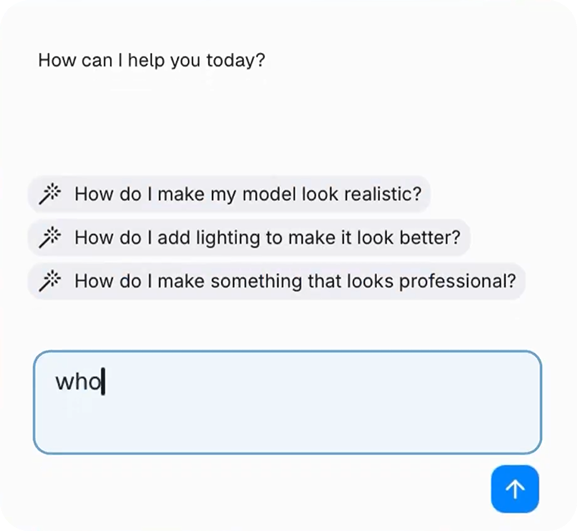
Interaction — From a prompt to a 3D model
Once Spark needed to do more than answer questions, I worked on the interaction from natural-language prompt to generated output. We explored a lower-cost model path first, then changed direction when user testing showed that creators were willing to wait longer when the result quality was meaningfully better. That led us toward higher-quality models with controlled usage rather than optimizing purely for speed.
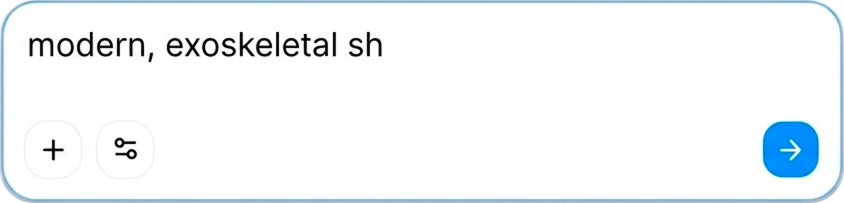
1. Natural language prompt
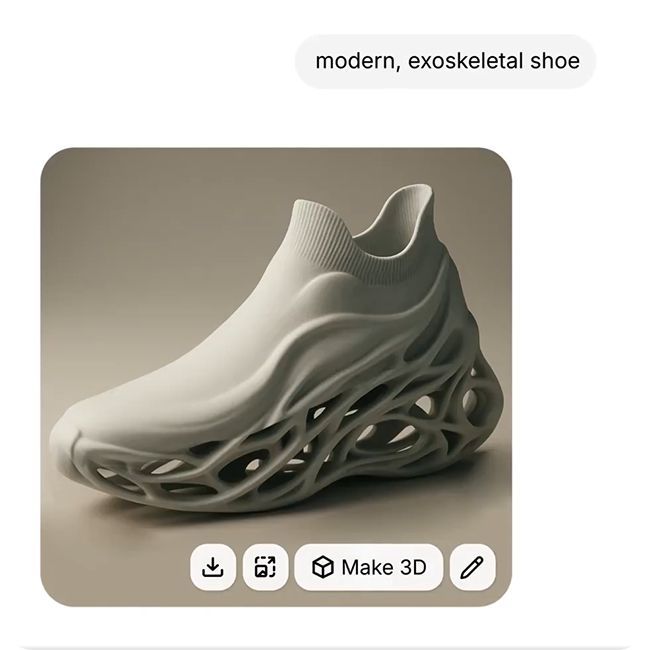
2. 2D preview • "Make 3D" action
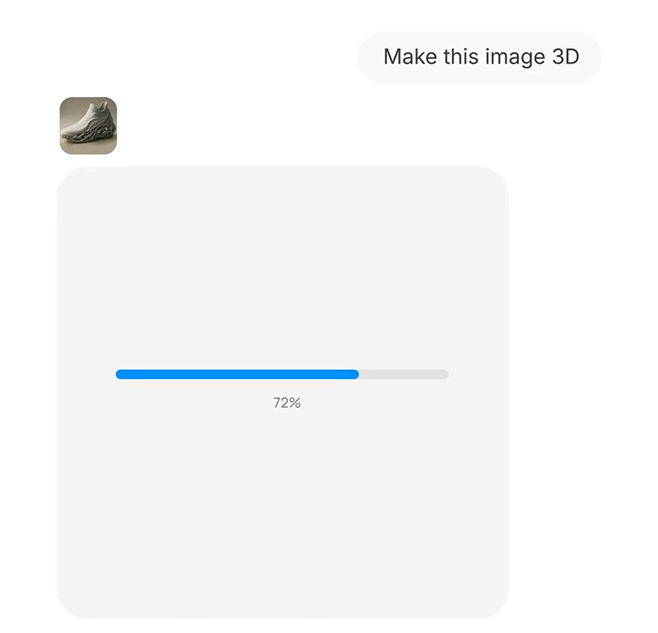
3. Visible progress compute bar
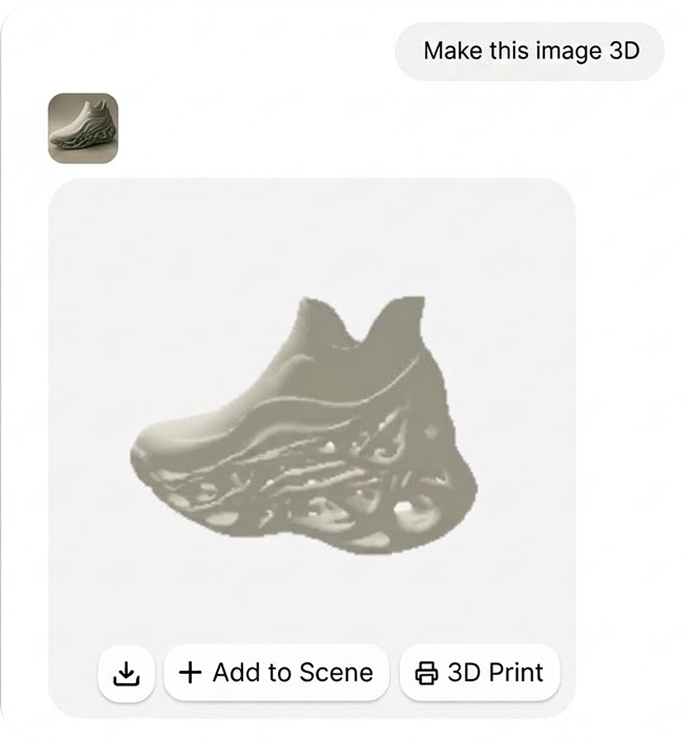
4. "Add to Scene" or send straight to "3D Print"
Fast was not automatically better. In testing, creators tolerated longer waits when the generated result was good enough to be useful. That pushed us away from cheaper, faster models and toward higher-quality generation with clearer usage limits.
Systems — Model and cost strategy
I was responsible for the product-side decisions around which generation models we exposed, their relative cost, usage limits, credit pricing, renewal behavior, and the distinction between free and Pro access. The underlying model infrastructure was not my responsibility.
Adoption — From rejection to routine
The first reaction to AI appearing in the product was largely negative. Over time, people began using the assistant and generation workflow as part of their normal creation process. The version I worked on shipped conversational refinement and generation inside a shared thread. The next step: an AI that could actively manipulate the canvas for the user: remained an exploration after that.
Key Trade-offs
Floating first, docked later
The layout wasn't one fixed decision: it followed what Spark was actually doing. Floating overlay while it only answered questions; moved into a side-panel tab next to Properties once it needed to generate things tied to your selected object.
Output Quality over Raw Speed
Fast low-fidelity generations produced broken geometry. Testing proved users tolerated waiting longer for a usable 3D model rather than an instant broken result.
Branching History over State Overwrites
Preserving every generation in-thread let creators branch in multiple directions without losing previous variations of their 3D model.
2D preview before 3D generation
Checking direction on a cheap 2D image before spending compute on a full 3D model saved cost on attempts nobody wanted anyway.
Outcomes & Impact
The conversational workflow transitioned AI from a standalone novelty into a daily creation driver. The support assistant reduced the need for a traditional ticketing workflow, and generative capabilities shipped to Womp's growing creator base.
More importantly, the product moved from using AI primarily to answer questions toward using AI as part of the actual creation workflow.
The feature shipped to over 500,000 creators worldwide, establishing generative AI as an active creation workflow directly inside the browser viewport.
What I Learned
Introducing AI into a creative tool is not about bolting on a general-purpose chat. It is about identifying where AI genuinely removes creative friction, and giving artists full control over the final 3D model.
Evolving through smaller, validated steps shaped the product into an active creation workflow rather than a standalone gimmick.
Make AI a partner in the process, not a replacement for creative agency.